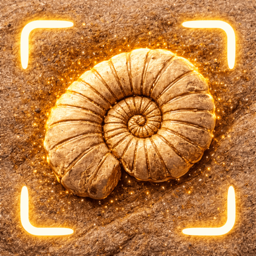
A stone identifier is the friendly, catch-all version of a rock, mineral and gem identifier rolled into one. You don't need to know whether you're holding a rock, a crystal or a fossil — you just take a photo, and the app figures out which it is and names it.
How to identify a stone with the app
Photograph the stone. Fill the frame, use daylight, and rinse off any dirt first.
Tap Identify. The AI reads colour, texture, luster and shape and matches known stones.
Get your answer. See the stone's name and details, and whether it's a rock, mineral, gem or fossil — then save it.
"What stone did I find on the beach?"
Beaches are natural stone galleries. The tumbling action of waves rounds and polishes stones, revealing colours and patterns. Common beach stones include:
- Quartz and quartzite — white or glassy, very hard.
- Agate and jasper — banded or richly coloured chalcedony.
- Flint and chert — dark, smooth, sharp-breaking.
- Limestone — pale, often holding fossils.
- Granite and basalt — speckled or dark igneous pebbles.
Garden, trail and gravel finds
Driveways and flower beds are full of imported gravel from all over — which means surprising finds. Scan anything that catches your eye; you'll be surprised how often an ordinary-looking pebble turns out to be agate, jasper or a small fossil.
Turn identifying into collecting
Every stone you scan is saved to your collection with its photo, name and date. Over a few walks you'll build a personal, searchable field guide of everything you've found — a pocket museum that grows with you.
Frequently asked
Is the stone identifier free?
Yes — free to download and try, rated 4+, in 33 languages.
What's the difference between a stone and a rock?
They're used interchangeably in everyday speech. Geologically, "rock" is the technical term; the app happily identifies either. See our rock identifier guide.